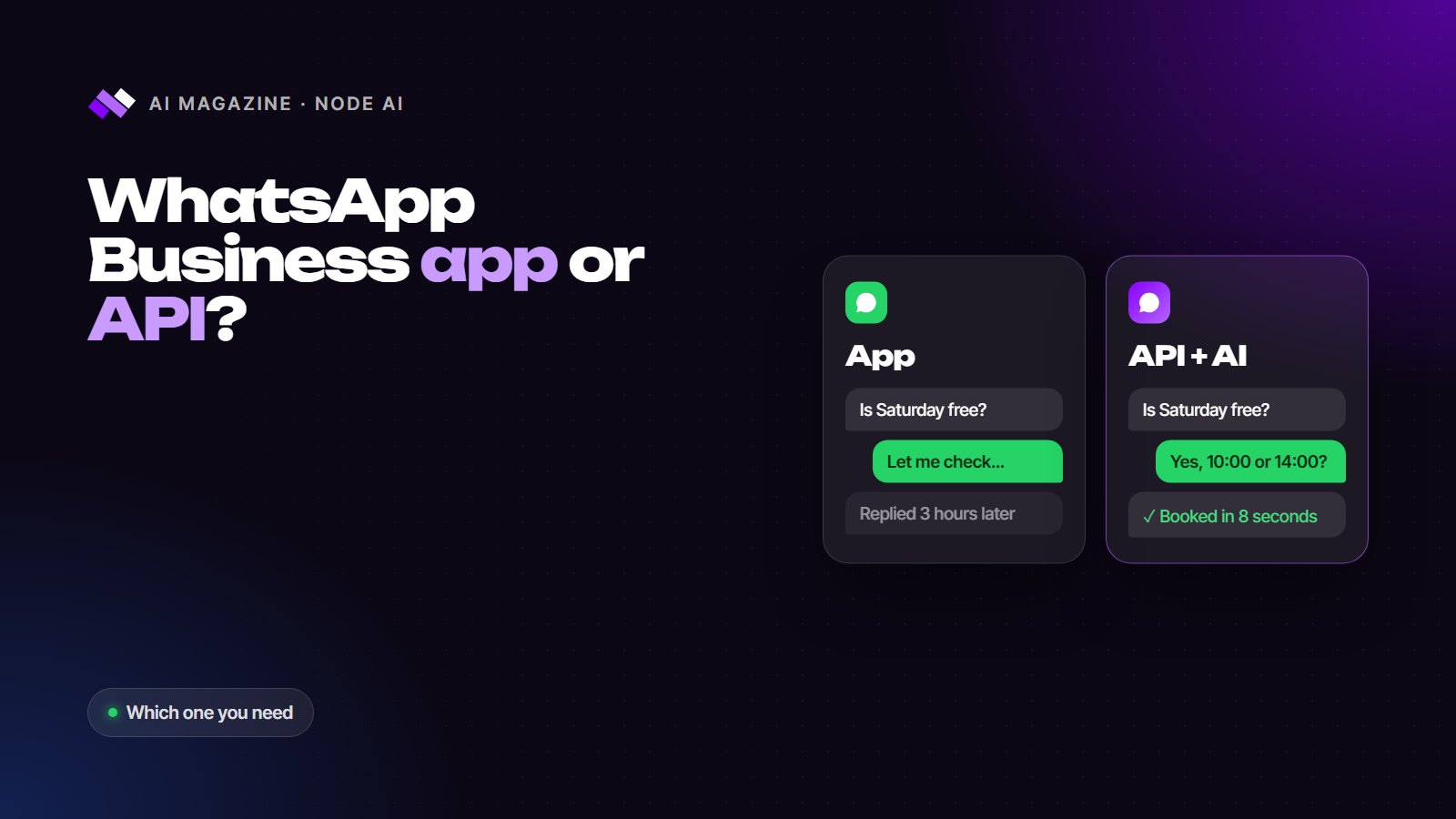
The free app is perfect for a small team replying by hand. The API is for when you need automation, AI, several agents and your CRM. Here is how to tell which one you need.
WhatsApp is where many customers would rather talk to a business, especially in the UAE, the UK and across the Middle East. Meta offers two ways to use it for business: the free WhatsApp Business app and the WhatsApp Business API (now usually called the WhatsApp Business Platform). They sound similar but are built for very different jobs.
The WhatsApp Business app
The app is free and you download it from the app store like normal WhatsApp. It adds a business profile, a product catalogue, quick replies, labels and simple away messages.
It is a good fit when:
- one or two people reply to customers themselves;
- you get a manageable number of messages a day;
- you don't need the conversations in a CRM or other systems.
Where it runs out: replies are manual, automation is very basic, a few devices at most can share the account, and there is no proper way to connect it to your CRM, calendar or an AI agent.
The WhatsApp Business API
The API is the official way for businesses to connect WhatsApp to their own software. There is no app to download: you use it through a platform such as a shared team inbox, an AI agent or your CRM.
What it makes possible:
- AI and automation: an AI agent can answer questions, take bookings and qualify leads 24 hours a day.
- A team inbox: many agents can work from one number, with conversations assigned and handed over.
- Integrations: conversations, leads and bookings sync with your CRM and calendar.
- Templates and campaigns: approved message templates for reminders, updates and offers to customers who have opted in.
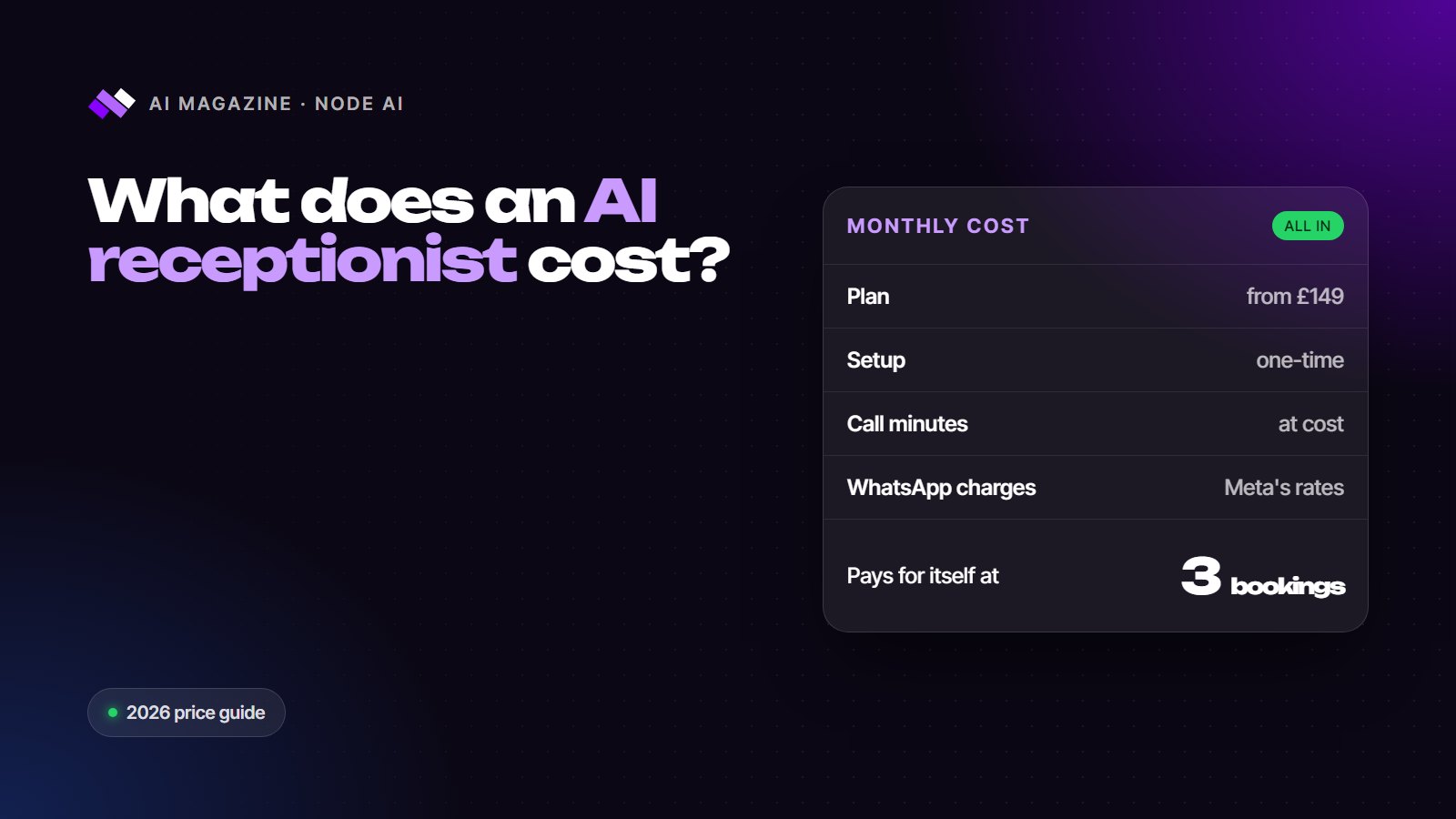
What it costs: the platform you use has its own price, and Meta charges per message for some message types, for example marketing messages. Replies to customers who contact you first cost far less. Ask your provider to pass Meta's charges on at cost, without a markup.
Side by side
- Price: the app is free; the API needs a platform subscription plus Meta's message charges.
- Replies: manual in the app; automatic with AI on the API, with your team stepping in when needed.
- Team: a handful of devices in the app; as many agents as you need on the API.
- CRM and calendar: not really possible with the app; built in with the API.
- Campaigns: limited broadcasts in the app; approved templates to opted-in customers on the API.
Signs you have outgrown the app
- Messages wait hours for a reply, especially in the evening and at weekends.
- Several people pass one phone around, or nobody knows who answered what.
- Leads from WhatsApp never make it into your CRM.
- You are copying the same answers about prices and availability all day.
Avoid unofficial tools
Some tools automate WhatsApp by pretending to be a person using the normal app. They are cheap, but they break WhatsApp's rules and can get your number banned, taking your customer conversations with it. Use the official API through a provider you trust.
Can I move my existing number?
Usually, yes. Your existing business number can be moved to the API, so customers keep messaging the number they know. Meta also now lets many businesses keep using the app alongside the API on the same number; whether that is available depends on your region and provider, so ask before you switch.
How to get started with the API
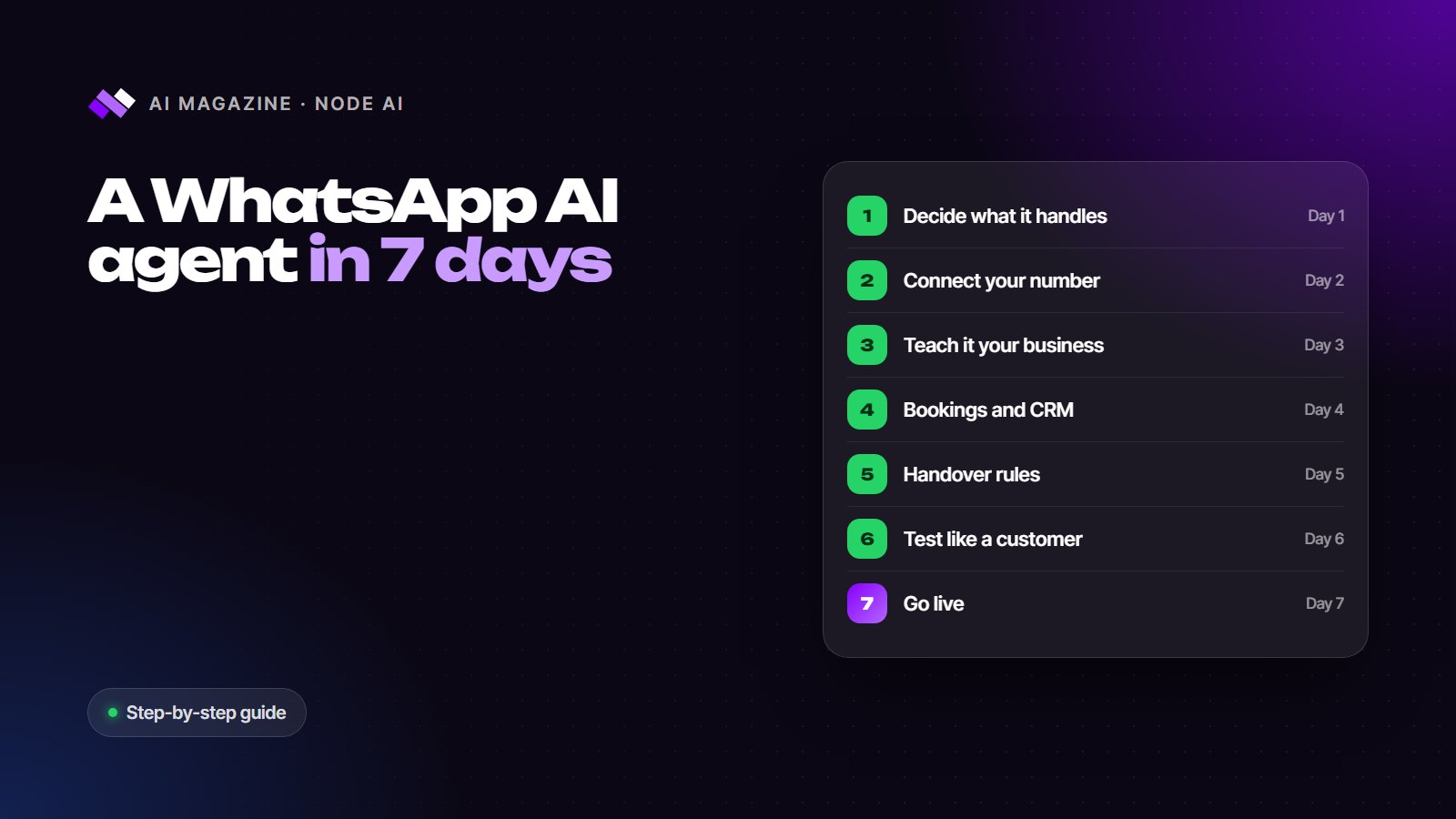
- Choose a provider that uses the official API and gives you a team inbox, AI and the integrations you need.
- Verify your business with Meta. Your provider guides you through it; it mostly means confirming your business details.
- Connect your number, either your existing one or a new one just for WhatsApp.
- Set up your AI and templates: load your services, prices and common answers, and get your reminder and update templates approved.
- Test, then go live, with your team able to step into any conversation from the first day.
Done well, the whole process usually takes days rather than weeks.
Which should you choose?
If you are a small team happy to reply by hand, start with the free app. Once speed, your team or your CRM start to matter, the API pays for itself quickly. Our WhatsApp AI solutions run on the official API, and we can show you an AI agent answering on your own number. Get in touch to see it.