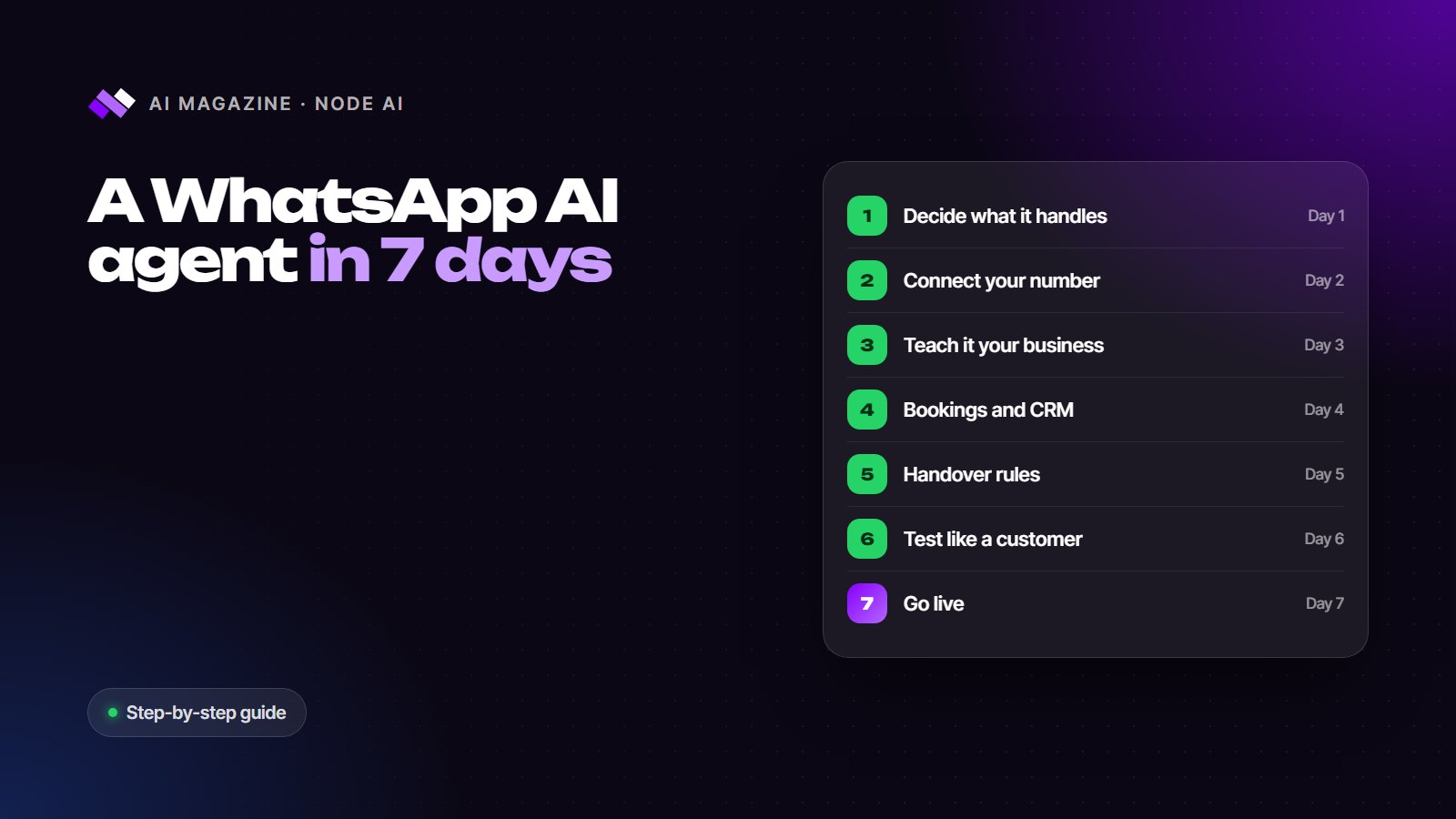
From choosing the right WhatsApp setup to the first real customer conversation: a day-by-day plan for getting an AI agent live on your business number in a week.
Your customers already message you on WhatsApp. An AI agent can answer them in seconds, around the clock, in English and Arabic, and book appointments or take orders while your team gets on with their day. Getting there is less complicated than many businesses expect. Here is a practical plan for going live in about a week.
Before you start: use the official API
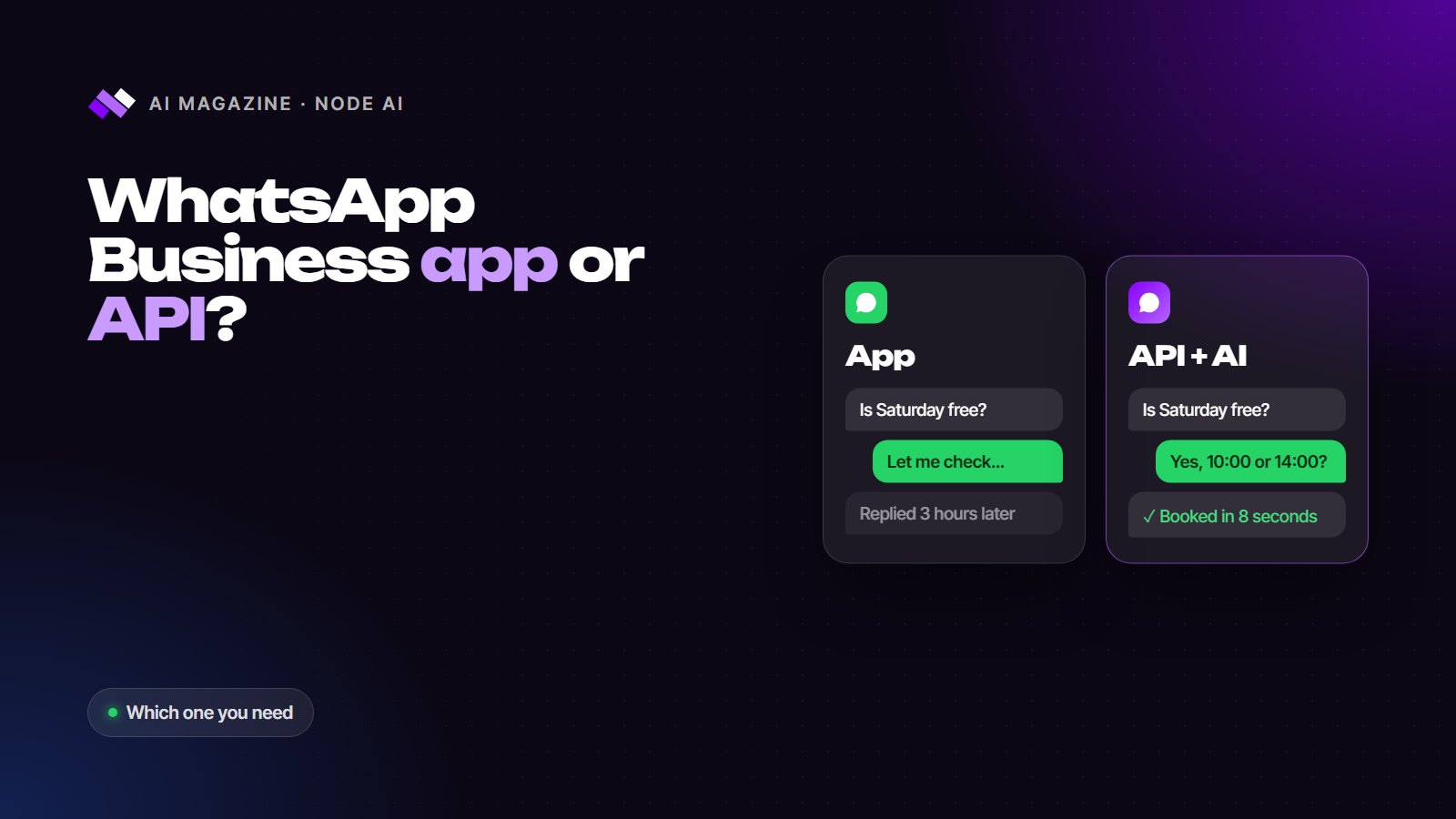
An AI agent needs the WhatsApp Business API (also called the WhatsApp Business Platform), not the free WhatsApp Business app. The API is Meta's official way to connect WhatsApp to software such as an AI agent, a team inbox and your CRM. Avoid unofficial tools that automate the normal app: they break WhatsApp's rules and can get your number banned. If you are unsure which you need, our guide to the WhatsApp Business app vs the API explains the difference.
Day 1: Decide what the agent should do
Start with the conversations that repeat every day. For most businesses that means:
- answering questions about services, prices, opening hours and location;
- booking, moving and cancelling appointments;
- capturing new leads with their name, contact details and what they need;
- order or booking updates and reminders.
Write down what success looks like, for example replying to every message within a minute, or booking without a phone call.
Day 2: Connect your number
Your provider helps you verify your business with Meta and connect a WhatsApp number. In most cases you can keep your existing business number, so customers carry on messaging the number they know. Meta also lets many businesses keep using the app alongside the API on the same number; whether that suits you depends on your region and provider, so ask before you switch.
Day 3: Teach the agent your business
This is the most important step. Gather:
- your services or products and their prices;
- the questions customers ask most, with your best answers;
- your policies on deposits, cancellations, delivery and refunds;
- your tone of voice: formal or friendly, and which languages to reply in.
The agent answers from this information rather than guessing, and says when it doesn't know.
Day 4: Connect bookings and your CRM
Link your calendar, such as Google Calendar or Calendly, so the agent can check real availability and confirm appointments in the chat. Connect your CRM, such as HubSpot, Zoho, Salesforce, Pipedrive, GoHighLevel or Odoo, so every new lead and conversation is recorded automatically.
Day 5: Set the rules for handing over
Decide which conversations always go to a person, such as complaints, large orders or anything sensitive, and who on your team receives them. With a shared inbox, your team can see every conversation, take over at any time and get the full history when the AI hands one over.
Day 6: Test it like a customer
Have a few people message the number as customers would, including tricky questions, spelling mistakes, changes of mind and requests in Arabic and English. Fix any answer that isn't right, and check that bookings land in the calendar and leads in the CRM.
Day 7: Go live, then keep improving
Switch it on for real customers. For the first few weeks, read through the conversations, add answers to new questions and adjust the handover rules. Most of the improvement happens in this period.
Messages you send first: templates and opt-in
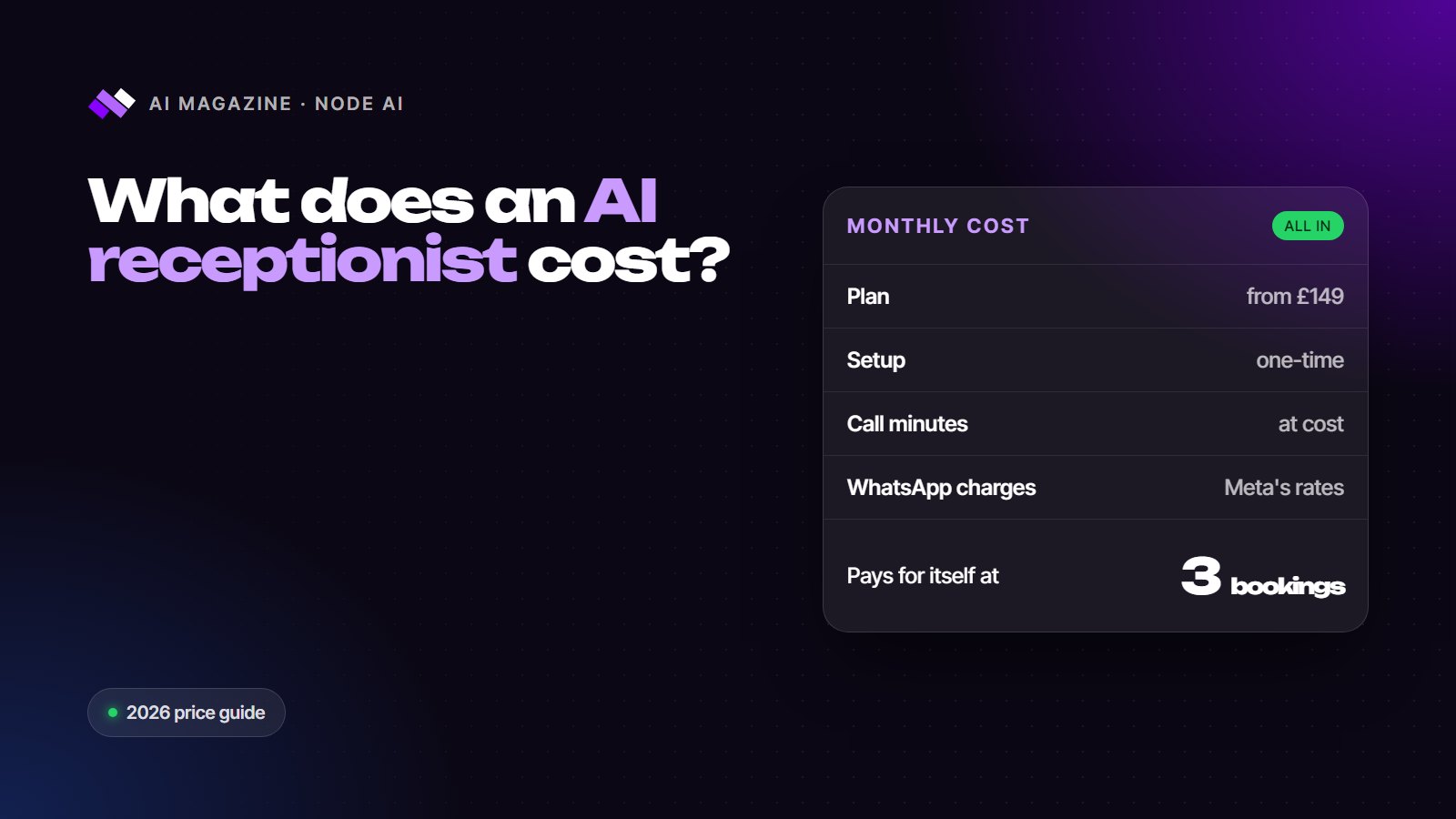
When a customer messages you, the agent can reply freely. When you message a customer first, such as a reminder, an update or an offer, WhatsApp requires an approved message template, and for marketing messages the customer must have opted in. Meta charges per message for some of these message types; ask your provider to pass those charges on at cost. You can see the current UK rates on our pricing page.
Common mistakes to avoid
- Too little information: an agent that doesn't know your prices or policies hands everything over and saves no one any time.
- No way to reach a person: customers should always be able to get to a human.
- Not checking the conversations: the first weeks show you exactly what to improve.
- Unofficial tools: cheap shortcuts that put your number at risk.
Let us set it up with you
Our WhatsApp AI solutions run on the official API, in English and Arabic, with your calendar and CRM connected. Most businesses are live within a week, and you can see the AI answering on your own number before you commit. Get in touch to arrange a demo.